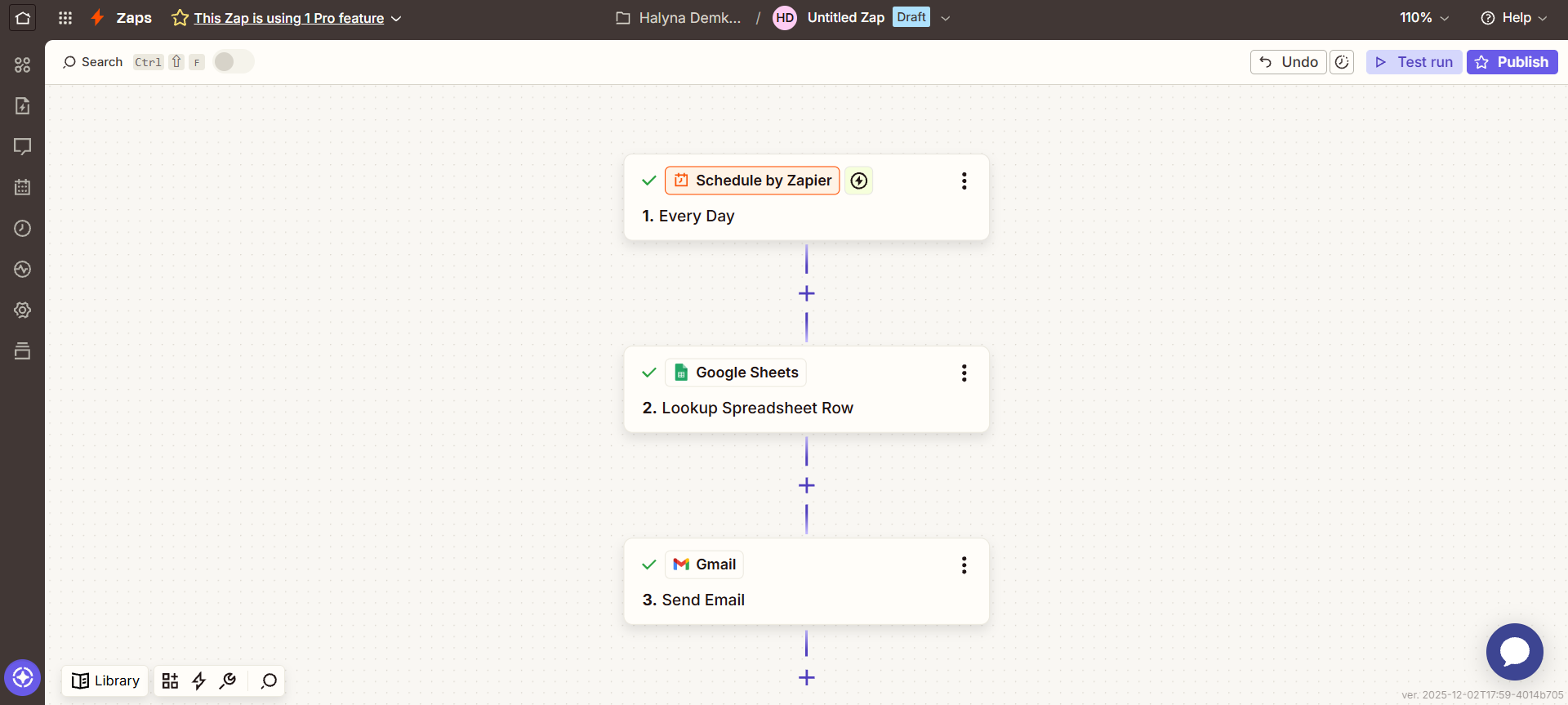
1. Schedule by Zapier — Every Day
This is the trigger: the Zap starts at a specific time without any human involvement.
2. Google Sheets — Lookup Spreadsheet Row
After the Zap starts, it accesses Google Sheets and performs the action:
Finds the required row in the spreadsheet based on a specific criterion (such as date, name, ID, etc.).
This means it locates one record from the entire sheet that will be used in the next step.
3. Gmail — Send Email
When the required row is found, the system:
automatically generates an email,
inserts the data from the found row, sends the message via Gmail.
This is the trigger: the Zap starts at a specific time without any human involvement.
2. Google Sheets — Lookup Spreadsheet Row
After the Zap starts, it accesses Google Sheets and performs the action:
Finds the required row in the spreadsheet based on a specific criterion (such as date, name, ID, etc.).
This means it locates one record from the entire sheet that will be used in the next step.
3. Gmail — Send Email
When the required row is found, the system:
automatically generates an email,
inserts the data from the found row, sends the message via Gmail.