Horror Video TikTok/ Hundreds of thousands of views
Video Creation by Artificial Intelligence 11 USD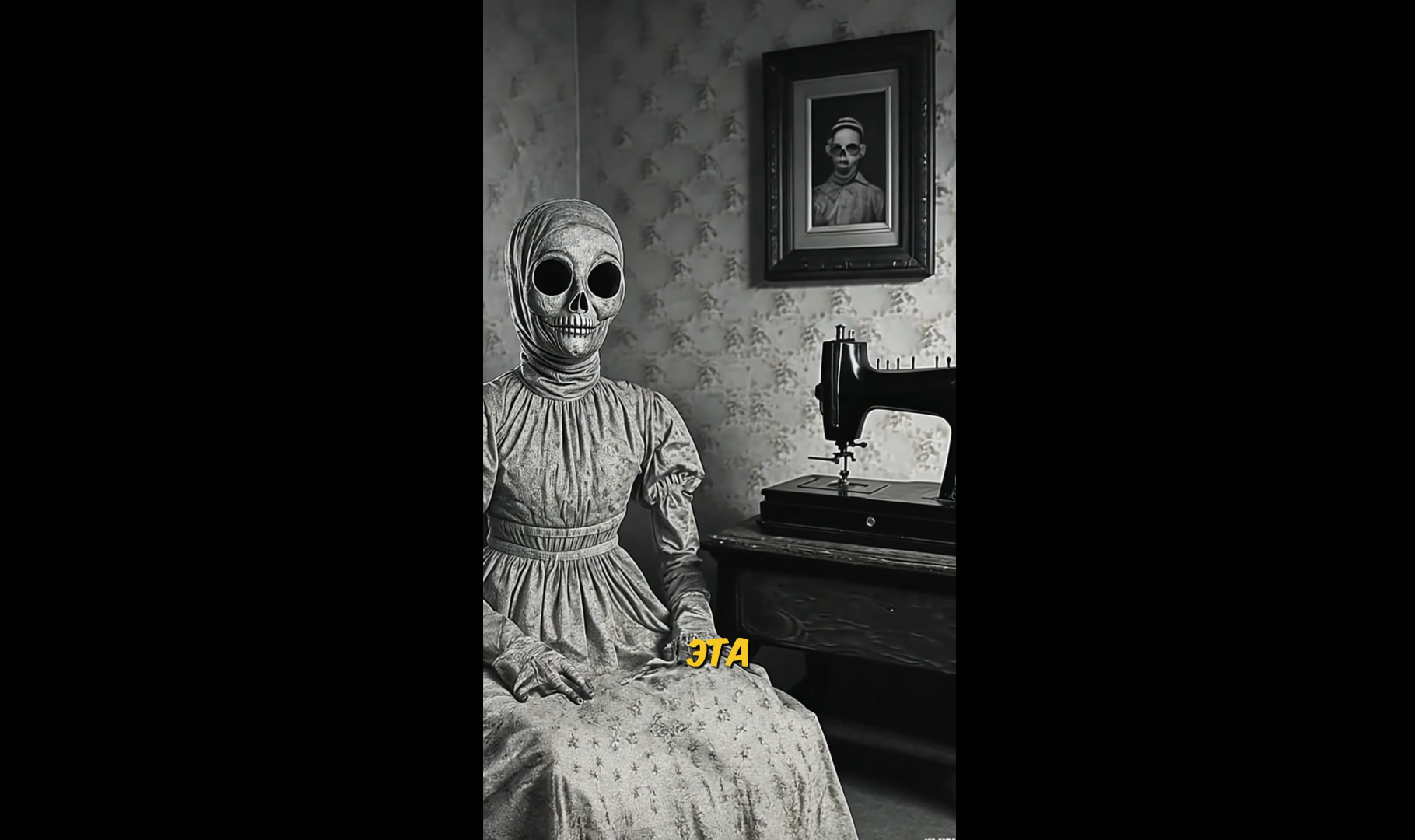
1.
Get a link from me to the original video in English or another language.
2.
Download the video with subtitles using:
https://www.4kdownload.com/ru/1
or any other means convenient for you.
3.
Translate the text into Russian using
https://www.deepl.com/ru/translator
You can also use AI, for example,
Sider - a Chrome browser extension
4.
Rework the text:
the action of the video needs to be transferred to a suitable territory of Russia or the CIS countries and at an appropriate time
if the original video is narrated in the third person, it needs to be rewritten in the first person
You can use AI for this.
5.
Here
https://elevenlabs.io/app/speech-synthesis/text-to-speech
we create the voiceover for the text.
For each Google account, you will receive 10,000 free characters per month.
Pay attention to:
correctness of stress
the "narrator" should not "babble"
the "narrator" should not remain silent longer than necessary for a breath
A few technical points:
if you need to emphasize certain important words, enclose that word in "quotes"
if the AI pronounces the stress incorrectly, try these methods (using the word "чека" as an example):
чекА
чеКА
чекА'
че-кА
че-кА'
че-КА
if nothing helps - try rephrasing (if possible in context)
numbers are better written in text
Voice - choose one suitable for the main character.
Voice settings:
Stability = 50
Similarity = 75
Style Exaggeration = 10
Speaker boost = On
6.
From the original video, save each unique frame.
Then for each picture:
crop to 9x16 proportions
remove subtitles
(this is perfectly done by Photoshop,
you can also use AI
https://clearoff.imagewith.ai/
here - for each Google account you get 15 actions per day)
do upscale using the same AI
https://overscale.imagewith.ai/
do animation using AI
https://app.leonardo.ai/
here - for each Google account you get 150 tokens per day
or do this using any other AI that is convenient for you
You can use any other similar AI, but the result must be no worse.
7.
Be sure to make 4-5 inserts from the narrator's perspective.
The main character should narrate (you can use different photos of the main character).
Animate the face using
https://studio.yepic.ai/
For each Google account, you get 20 credits, which is usually enough for 3-4 videos.
You can use any other similar AI, but the result must be no worse.
8.
Assemble the video sequence with the voiceover.
Be sure to insert a transition with SFX after the introductory phrase.
Then in the video, insert another 2-3 transitions with SFX to mark the turning points of the narrative.
Use transitions - some shifts with blurring: down, up, right, left.
Insert about 10 SFX throughout the video
and overlay suitable background music (options will be provided).
SFX should stand out against the narrator's background.
9.
Output the finished video sequence with parameters
no lower than those specified in the Technical Specifications.
10.
Create subtitles using CapCut.
Font - KOMIKAX.
Final result - submit
Technical specifications:
video
quality: fullHD
frame rate: 30-60 fps
aspect ratio: 9:16
bitrate: 15-20 mbps
codec: h.264
duration: at least 61 seconds
P.S.
if you are missing any frame
you can generate your own
the main thing is to provide a reference for the AI to keep the style consistent
you can also rearrange the text at your discretion
you can reduce it to one minute
the main thing is to transfer the action to the territory of Russia
you can also change the time of action
names, of course, to a Russian style
you can add elements of humor
in general - the task is quite creative...
#video #videomontage #TikTok
Get a link from me to the original video in English or another language.
2.
Download the video with subtitles using:
https://www.4kdownload.com/ru/1
or any other means convenient for you.
3.
Translate the text into Russian using
https://www.deepl.com/ru/translator
You can also use AI, for example,
Sider - a Chrome browser extension
4.
Rework the text:
the action of the video needs to be transferred to a suitable territory of Russia or the CIS countries and at an appropriate time
if the original video is narrated in the third person, it needs to be rewritten in the first person
You can use AI for this.
5.
Here
https://elevenlabs.io/app/speech-synthesis/text-to-speech
we create the voiceover for the text.
For each Google account, you will receive 10,000 free characters per month.
Pay attention to:
correctness of stress
the "narrator" should not "babble"
the "narrator" should not remain silent longer than necessary for a breath
A few technical points:
if you need to emphasize certain important words, enclose that word in "quotes"
if the AI pronounces the stress incorrectly, try these methods (using the word "чека" as an example):
чекА
чеКА
чекА'
че-кА
че-кА'
че-КА
if nothing helps - try rephrasing (if possible in context)
numbers are better written in text
Voice - choose one suitable for the main character.
Voice settings:
Stability = 50
Similarity = 75
Style Exaggeration = 10
Speaker boost = On
6.
From the original video, save each unique frame.
Then for each picture:
crop to 9x16 proportions
remove subtitles
(this is perfectly done by Photoshop,
you can also use AI
https://clearoff.imagewith.ai/
here - for each Google account you get 15 actions per day)
do upscale using the same AI
https://overscale.imagewith.ai/
do animation using AI
https://app.leonardo.ai/
here - for each Google account you get 150 tokens per day
or do this using any other AI that is convenient for you
You can use any other similar AI, but the result must be no worse.
7.
Be sure to make 4-5 inserts from the narrator's perspective.
The main character should narrate (you can use different photos of the main character).
Animate the face using
https://studio.yepic.ai/
For each Google account, you get 20 credits, which is usually enough for 3-4 videos.
You can use any other similar AI, but the result must be no worse.
8.
Assemble the video sequence with the voiceover.
Be sure to insert a transition with SFX after the introductory phrase.
Then in the video, insert another 2-3 transitions with SFX to mark the turning points of the narrative.
Use transitions - some shifts with blurring: down, up, right, left.
Insert about 10 SFX throughout the video
and overlay suitable background music (options will be provided).
SFX should stand out against the narrator's background.
9.
Output the finished video sequence with parameters
no lower than those specified in the Technical Specifications.
10.
Create subtitles using CapCut.
Font - KOMIKAX.
Final result - submit
Technical specifications:
video
quality: fullHD
frame rate: 30-60 fps
aspect ratio: 9:16
bitrate: 15-20 mbps
codec: h.264
duration: at least 61 seconds
P.S.
if you are missing any frame
you can generate your own
the main thing is to provide a reference for the AI to keep the style consistent
you can also rearrange the text at your discretion
you can reduce it to one minute
the main thing is to transfer the action to the territory of Russia
you can also change the time of action
names, of course, to a Russian style
you can add elements of humor
in general - the task is quite creative...
#video #videomontage #TikTok