Language of requests for CMS Flynax
Web Programming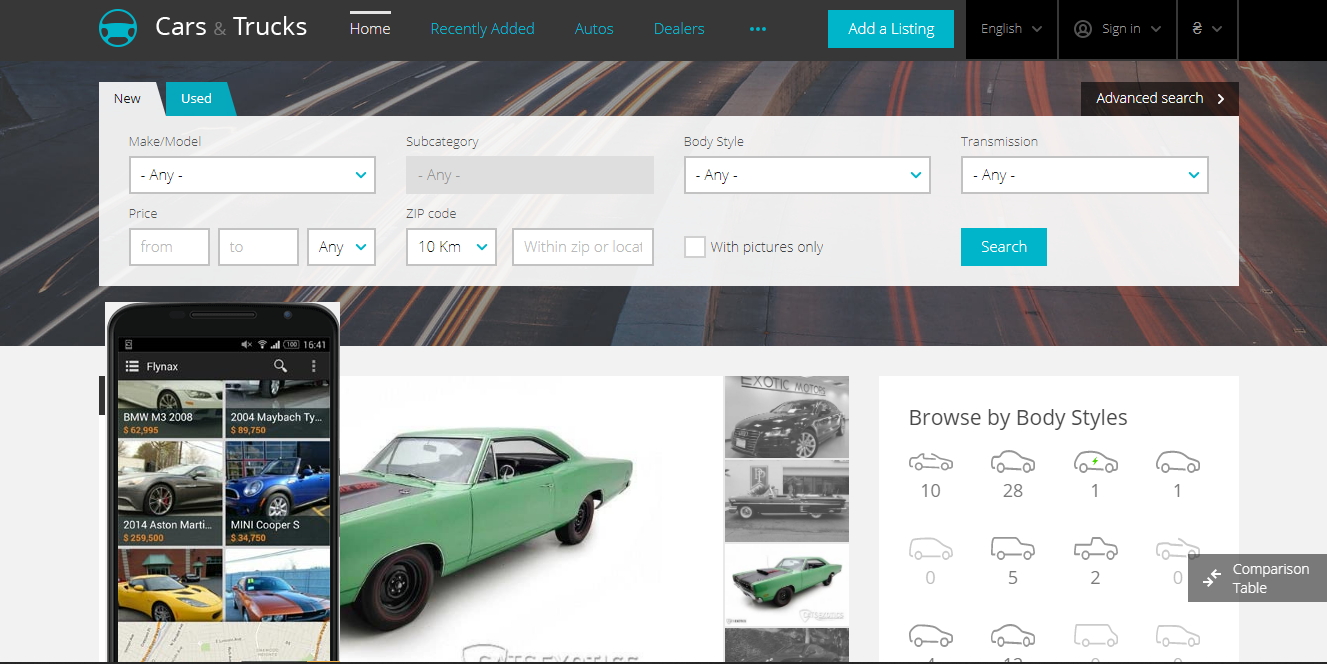
The query language allows you to place an expression on a static page in a CMS context, to display the search results on the query from the entered expression on this station.
At the same time, the CMS search functions are activated. But you do not need to create search forms in the admin panel.
The query mechanism also allows you to create SEO optimized URLs of abstract search results that are not real objects in the CMS context.
For example, for the configuration of the Flynax Auto Classifieds language, you can make the following request:
[search_page_results=auto&price.from=0&price.to=8000]
The page on which this request will be posted will only display cars in the price category up to $8,000.
You can also now call this page for example Cheap Cars for Sale or Cheap Cars for Sale. At the same time in the system will appear the link Cheap cars which will be indexed by the Google search engines.
The query language works with any Flynax configuration. It is not only relevant to autocatalogues.
At the same time, the CMS search functions are activated. But you do not need to create search forms in the admin panel.
The query mechanism also allows you to create SEO optimized URLs of abstract search results that are not real objects in the CMS context.
For example, for the configuration of the Flynax Auto Classifieds language, you can make the following request:
[search_page_results=auto&price.from=0&price.to=8000]
The page on which this request will be posted will only display cars in the price category up to $8,000.
You can also now call this page for example Cheap Cars for Sale or Cheap Cars for Sale. At the same time in the system will appear the link Cheap cars which will be indexed by the Google search engines.
The query language works with any Flynax configuration. It is not only relevant to autocatalogues.