Main window, result of search, dop info.
C#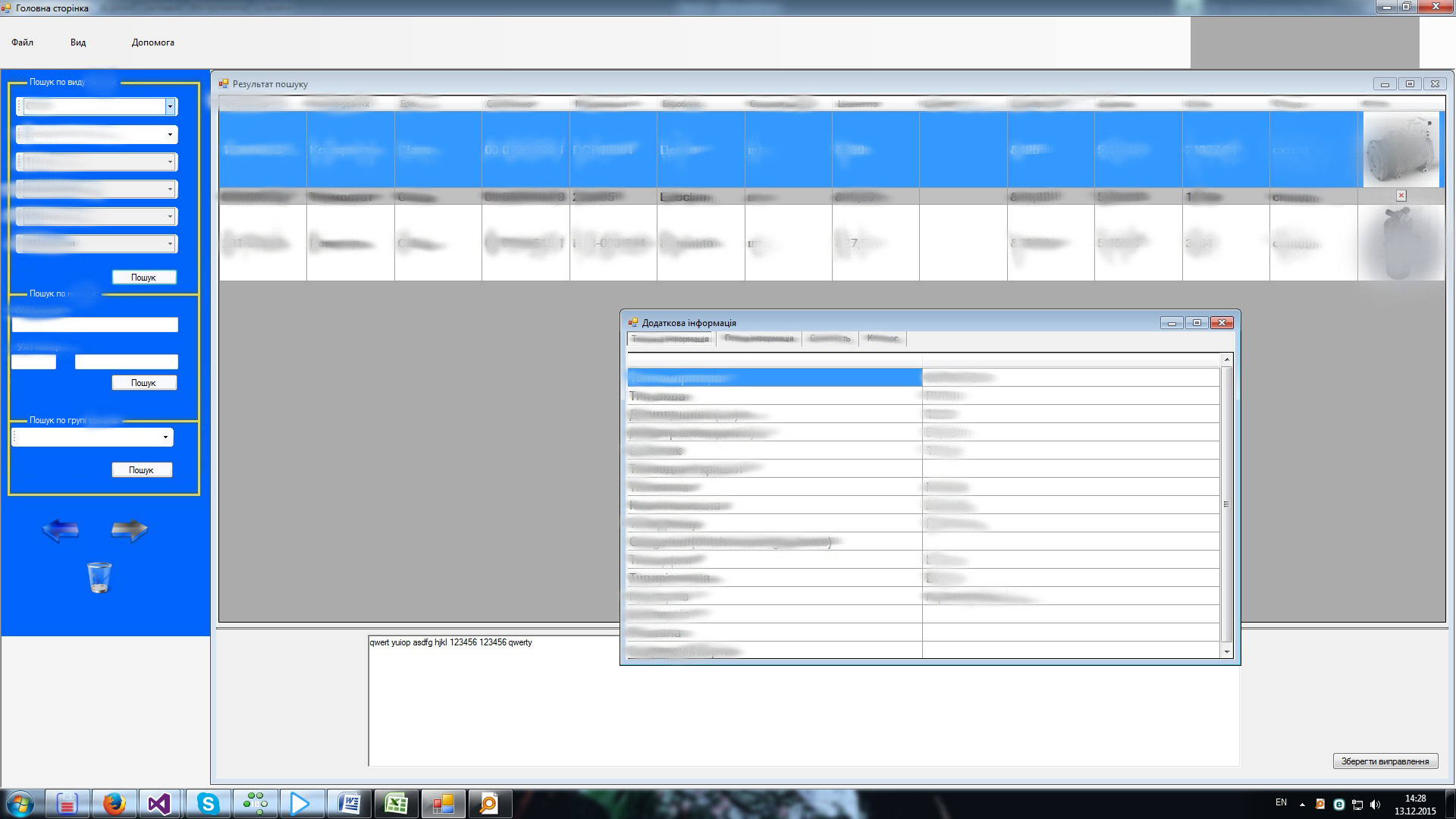
This screenshot shows three types of search for a particular customer filter. In the center of the image we see the search result. On this search we see not only the text information of the product found, but also the photo of the unit and by clicking the mouse on the position below is displayed the description of the selected position. Likewise, when you click on the image - in the center of the screen appears the original/original version and size of the image. When double-click on the position, a new window with four tabs appears (position characteristics, similar positions, compatible details, catalogue with instructions, images and other supported files to the item.