The bot for interaction with YouTube.
At the start, a dialogue window appears, in which you need to enter the name of the interested channel.
Then you have to wait a while until the information about the channel, its playlists and the channel appear on the interface tables.
You can download these tables into the .exel file.
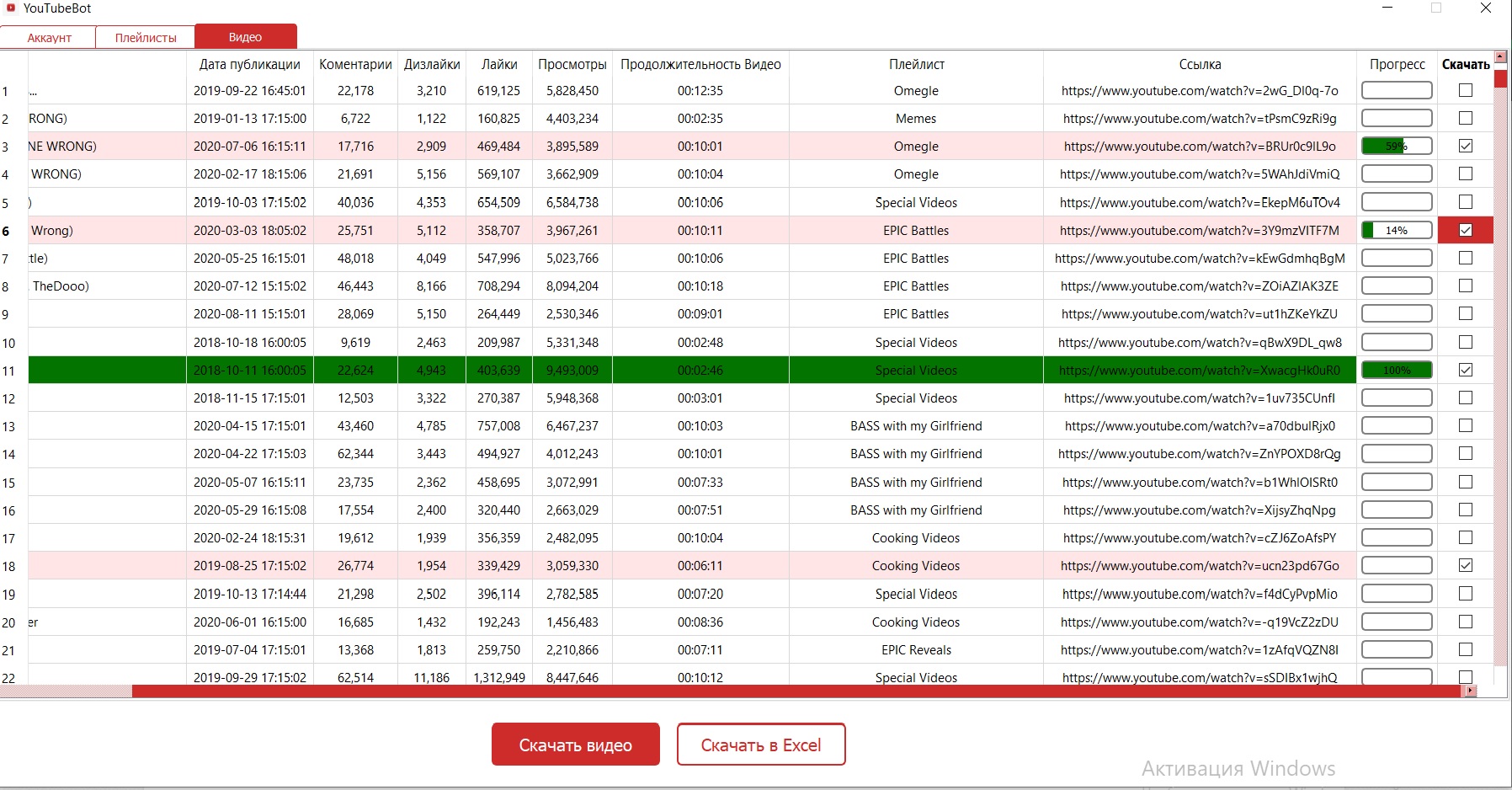
You can also distinguish the interested videos (if you want to distinguish all the videos, then put the rubber under the "download" field in the profile information tab,
Similarly, you can separate all the videos from the playlist or a separate video) and then download them by clicking on the video download button.
Then in the bot folder will be created a folder with the name of the channel to which all the assigned videos will be uploaded.
At the start, a dialogue window appears, in which you need to enter the name of the interested channel.
Then you have to wait a while until the information about the channel, its playlists and the channel appear on the interface tables.
You can download these tables into the .exel file.
You can also distinguish the interested videos (if you want to distinguish all the videos, then put the rubber under the "download" field in the profile information tab,
Similarly, you can separate all the videos from the playlist or a separate video) and then download them by clicking on the video download button.
Then in the bot folder will be created a folder with the name of the channel to which all the assigned videos will be uploaded.