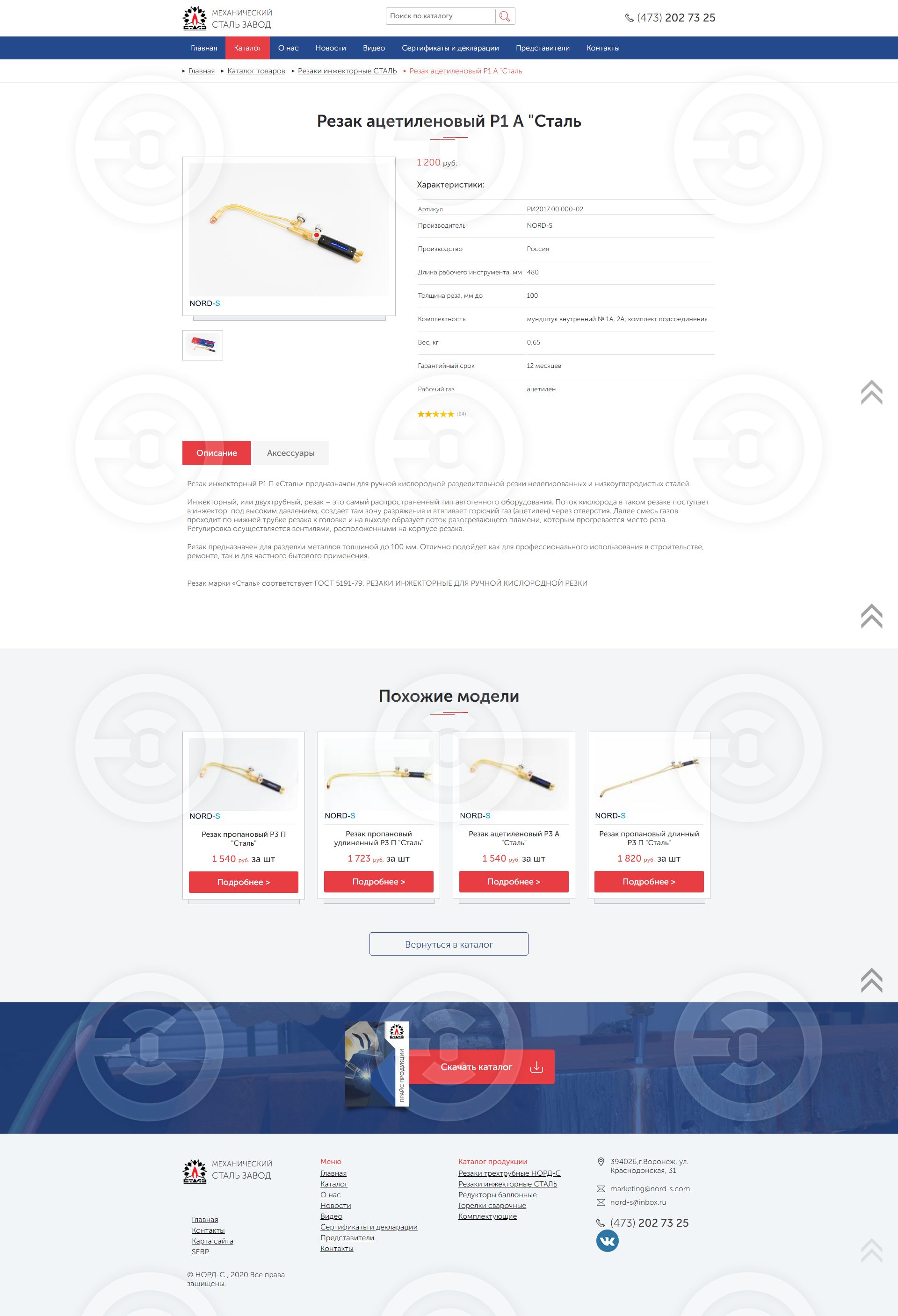
1 . Add the shell up when it turns down.
The 2nd In the product card to edit the characteristics - how on the design model (investment)
3 . In the card of the goods to remove "ST"
and 4. Remove the "Request" and "In Presence" tabs in the product card.
and 5. Examples of goods - when search is displayed the issue curve
6 . Photo in goods loaded quality - and in the list in category is displayed all in the squares of low quality - must be corrected
The 2nd In the product card to edit the characteristics - how on the design model (investment)
3 . In the card of the goods to remove "ST"
and 4. Remove the "Request" and "In Presence" tabs in the product card.
and 5. Examples of goods - when search is displayed the issue curve
6 . Photo in goods loaded quality - and in the list in category is displayed all in the squares of low quality - must be corrected