The Step Project – The Ham
HTML & CSS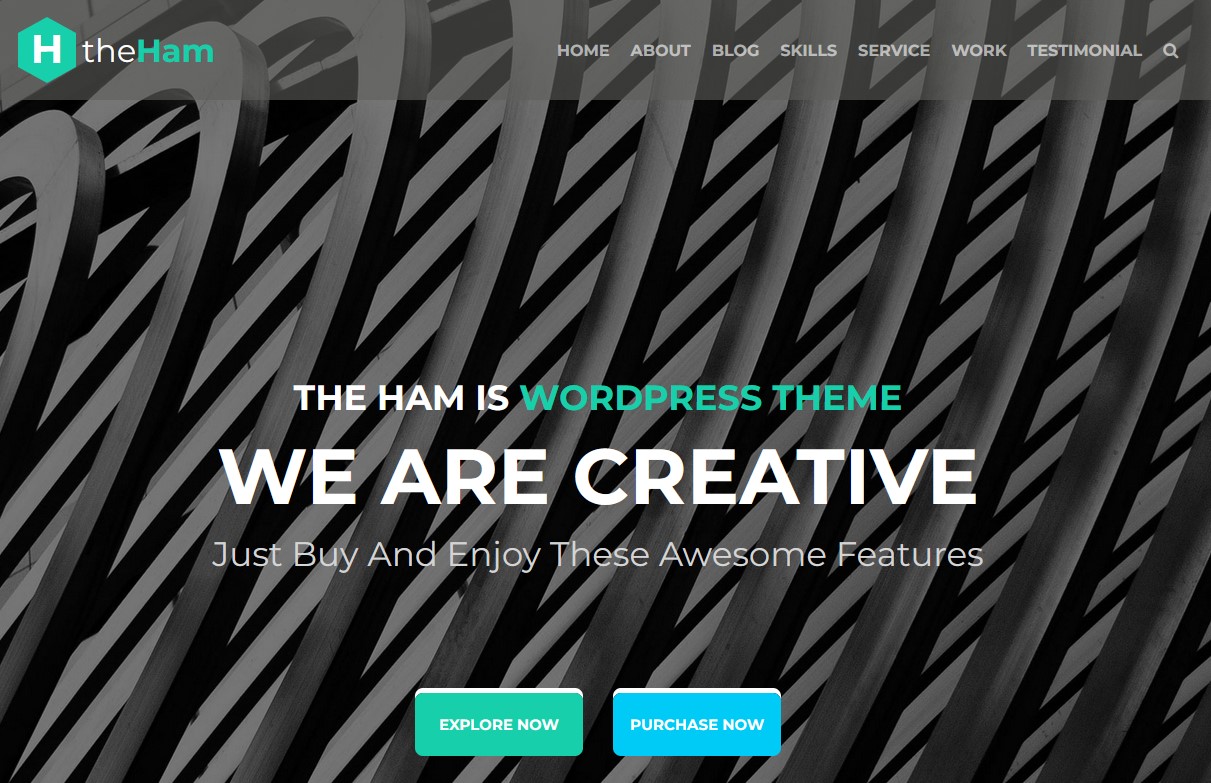
The edition is done without using Bootstrap or Materialize-type CSS libraries on a pure CSS with the addition of dynamic elements to JavaScript and the subconnection of an additional slider.
Dynamic elements on a page (JavaScript):
- The tabs in the 'Our services' section are switched when pressed by the mouse.
- The 'Load more' button in the 'Our amazing work' section imitates the download from the server of new images. When it is pressed down, there are 12 images. After that the button disappears.
- The buttons on the 'Our amazing work' are 'Product Filters'. When you press the category button, only those images that belong to this category will be displayed. 'All' shows images from all categories.
Carusell on the 'What people say about theHam' has to be a robot, by clicking both the picture icon below and the shooters right-left. The carousel changes both the picture and the text.
To connect dynamic elements, jQuery (Sviper Slider) and JavaScript code were used.
Dynamic elements on a page (JavaScript):
- The tabs in the 'Our services' section are switched when pressed by the mouse.
- The 'Load more' button in the 'Our amazing work' section imitates the download from the server of new images. When it is pressed down, there are 12 images. After that the button disappears.
- The buttons on the 'Our amazing work' are 'Product Filters'. When you press the category button, only those images that belong to this category will be displayed. 'All' shows images from all categories.
Carusell on the 'What people say about theHam' has to be a robot, by clicking both the picture icon below and the shooters right-left. The carousel changes both the picture and the text.
To connect dynamic elements, jQuery (Sviper Slider) and JavaScript code were used.