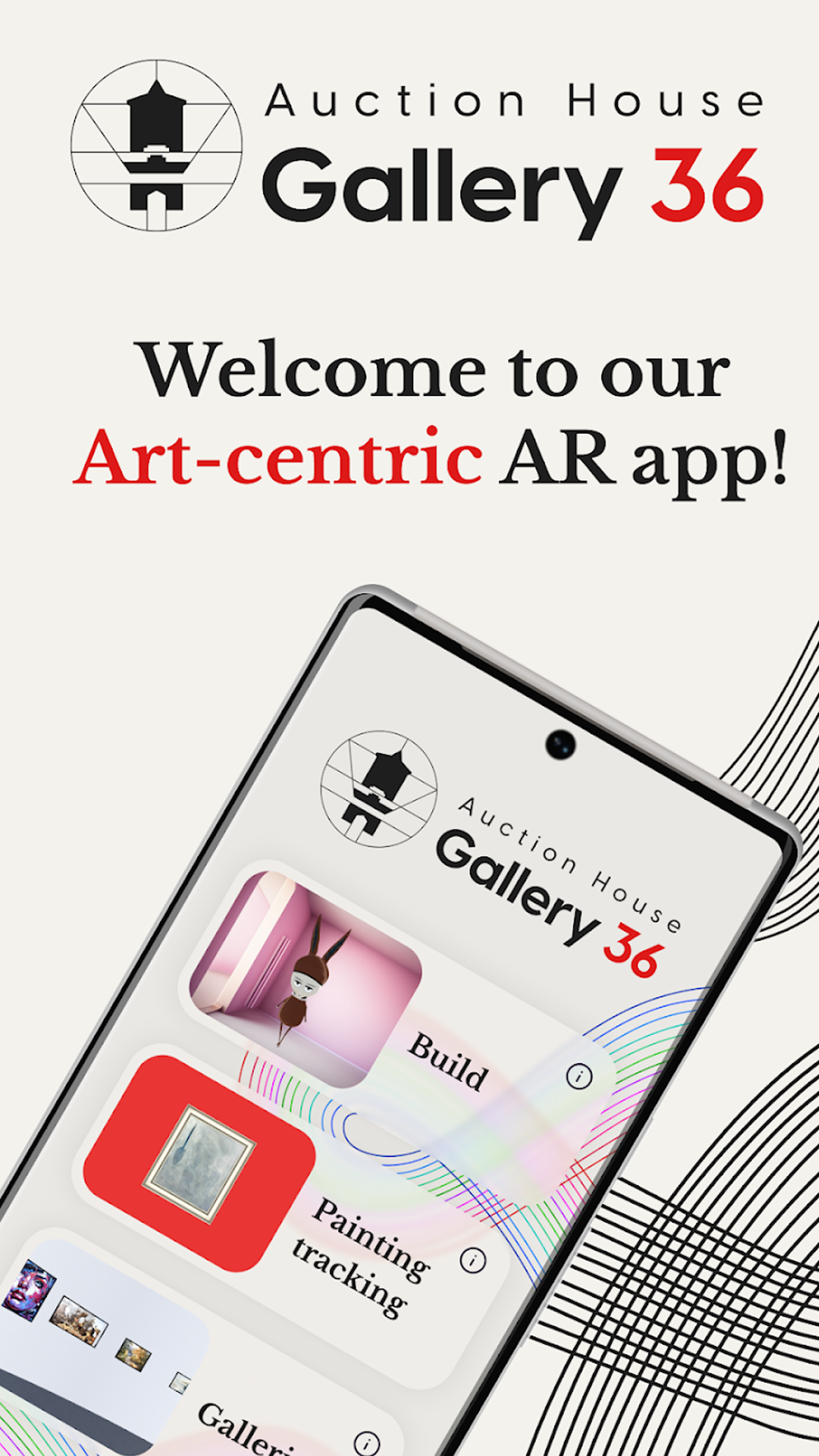
I worked on enhancing the functionality of the AR application by implementing Deep Linking, optimizing the app, adding the ability to hang pictures on the walls of a room in AR, collaborating with the author's sphere, and refining the functionality. Here's a more detailed breakdown of each of these tasks:
1. Deep Linking Integration:
Deep linking allows users to seamlessly transition from one app or web page to a specific location or content within another app. In the context of your AR app, deep linking can be used to enable features like sharing AR experiences or opening specific AR scenes directly from other apps or websites.
Implemented deep linking to provide users with a smoother and more integrated experience when accessing AR content or specific features within your app.
2. App Optimization:
App optimization involves improving the overall performance, speed, and efficiency of the application.
Conducted various optimization techniques such as code refactoring, reducing memory usage, optimizing network requests, and enhancing the user interface to ensure that the app runs smoothly and efficiently on various devices.
3. Hanging Pictures on Walls in AR:
Added a feature that allows users to virtually hang pictures or artworks on the walls of their real-world environment using AR.
Users can select images or artworks from their device's gallery or an online library and then use AR to position and scale them realistically on the walls of their room.
4. Collaboration with the Author's Sphere:
Collaborating with the author's sphere typically means working with content creators, artists, or authors to integrate their work or creations into the app.
Engaged with authors, artists, or content creators to incorporate their AR-compatible content, such as 3D models, artworks, or designs, into the application to enrich the AR experience.
5. Fine-Tuning and Refining Functionality:
This involves continuous refinement and improvement of existing features and functionality.
Worked on fine-tuning various aspects of the AR app, addressing user feedback, and optimizing the user interface to enhance the overall user experience.
By implementing these enhancements and collaborating with content creators, your AR app likely became more versatile, user-friendly, and capable of providing engaging AR experiences. The combination of deep linking, optimization, and new features like hanging pictures on walls in AR can make the app more attractive and functional to users.
#Unity3D #unity2d #gamedev #Android #приложенияIOS #gamedev #gamedesign #mobileapp
1. Deep Linking Integration:
Deep linking allows users to seamlessly transition from one app or web page to a specific location or content within another app. In the context of your AR app, deep linking can be used to enable features like sharing AR experiences or opening specific AR scenes directly from other apps or websites.
Implemented deep linking to provide users with a smoother and more integrated experience when accessing AR content or specific features within your app.
2. App Optimization:
App optimization involves improving the overall performance, speed, and efficiency of the application.
Conducted various optimization techniques such as code refactoring, reducing memory usage, optimizing network requests, and enhancing the user interface to ensure that the app runs smoothly and efficiently on various devices.
3. Hanging Pictures on Walls in AR:
Added a feature that allows users to virtually hang pictures or artworks on the walls of their real-world environment using AR.
Users can select images or artworks from their device's gallery or an online library and then use AR to position and scale them realistically on the walls of their room.
4. Collaboration with the Author's Sphere:
Collaborating with the author's sphere typically means working with content creators, artists, or authors to integrate their work or creations into the app.
Engaged with authors, artists, or content creators to incorporate their AR-compatible content, such as 3D models, artworks, or designs, into the application to enrich the AR experience.
5. Fine-Tuning and Refining Functionality:
This involves continuous refinement and improvement of existing features and functionality.
Worked on fine-tuning various aspects of the AR app, addressing user feedback, and optimizing the user interface to enhance the overall user experience.
By implementing these enhancements and collaborating with content creators, your AR app likely became more versatile, user-friendly, and capable of providing engaging AR experiences. The combination of deep linking, optimization, and new features like hanging pictures on walls in AR can make the app more attractive and functional to users.
#Unity3D #unity2d #gamedev #Android #приложенияIOS #gamedev #gamedesign #mobileapp