Working task of the laboratory
Desktop Apps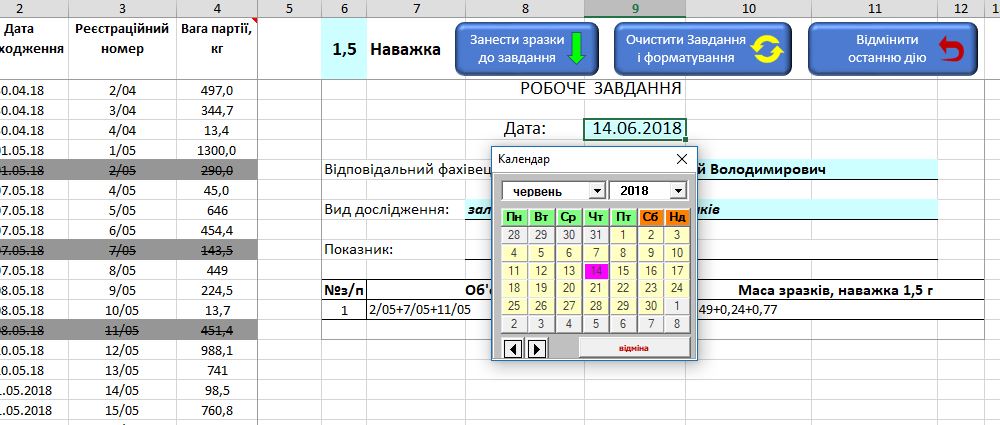
From the loaded list of samples the laboratory task is formed by assigning 1 or more cells.
After allocating cells and pressing the "Take sample to task" button, the selected data on a specific algorithm will enter the printing form.
Transmitted data is distinguished by color.
For navigation convenience, the changed fields are equipped with falling lists, including. A field with a date.
After completing the filling and printing of the form, you can clean it all with one button.
There is a possibility to cancel the last wrong act.
After allocating cells and pressing the "Take sample to task" button, the selected data on a specific algorithm will enter the printing form.
Transmitted data is distinguished by color.
For navigation convenience, the changed fields are equipped with falling lists, including. A field with a date.
After completing the filling and printing of the form, you can clean it all with one button.
There is a possibility to cancel the last wrong act.