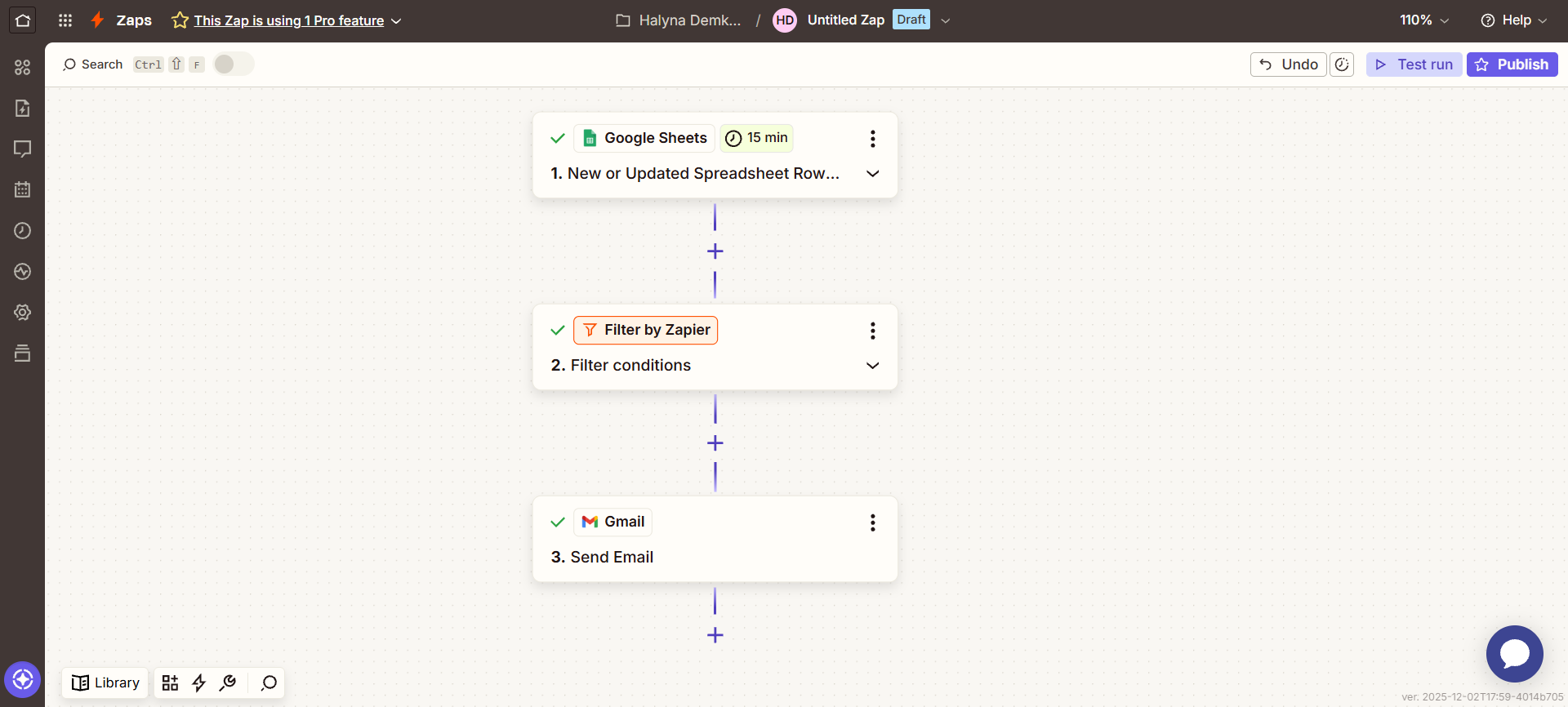
1. Google Sheets — New or Updated Spreadsheet Row
This trigger monitors changes in the spreadsheet.
2. Filter by Zapier — Filter conditions
After the Zap starts, a filter is applied.
At this stage, the system checks:
whether the data in that row meets specific conditions
If the conditions are met, the process continues.
If they are not met, the Zap stops.
3. Gmail — Send Email
If the filter passes the data, the Zap continues:
an email is generated,
the information from Google Sheets is inserted into the message,
Gmail automatically sends the email to the required address.
This trigger monitors changes in the spreadsheet.
2. Filter by Zapier — Filter conditions
After the Zap starts, a filter is applied.
At this stage, the system checks:
whether the data in that row meets specific conditions
If the conditions are met, the process continues.
If they are not met, the Zap stops.
3. Gmail — Send Email
If the filter passes the data, the Zap continues:
an email is generated,
the information from Google Sheets is inserted into the message,
Gmail automatically sends the email to the required address.