Calculation of the value of work
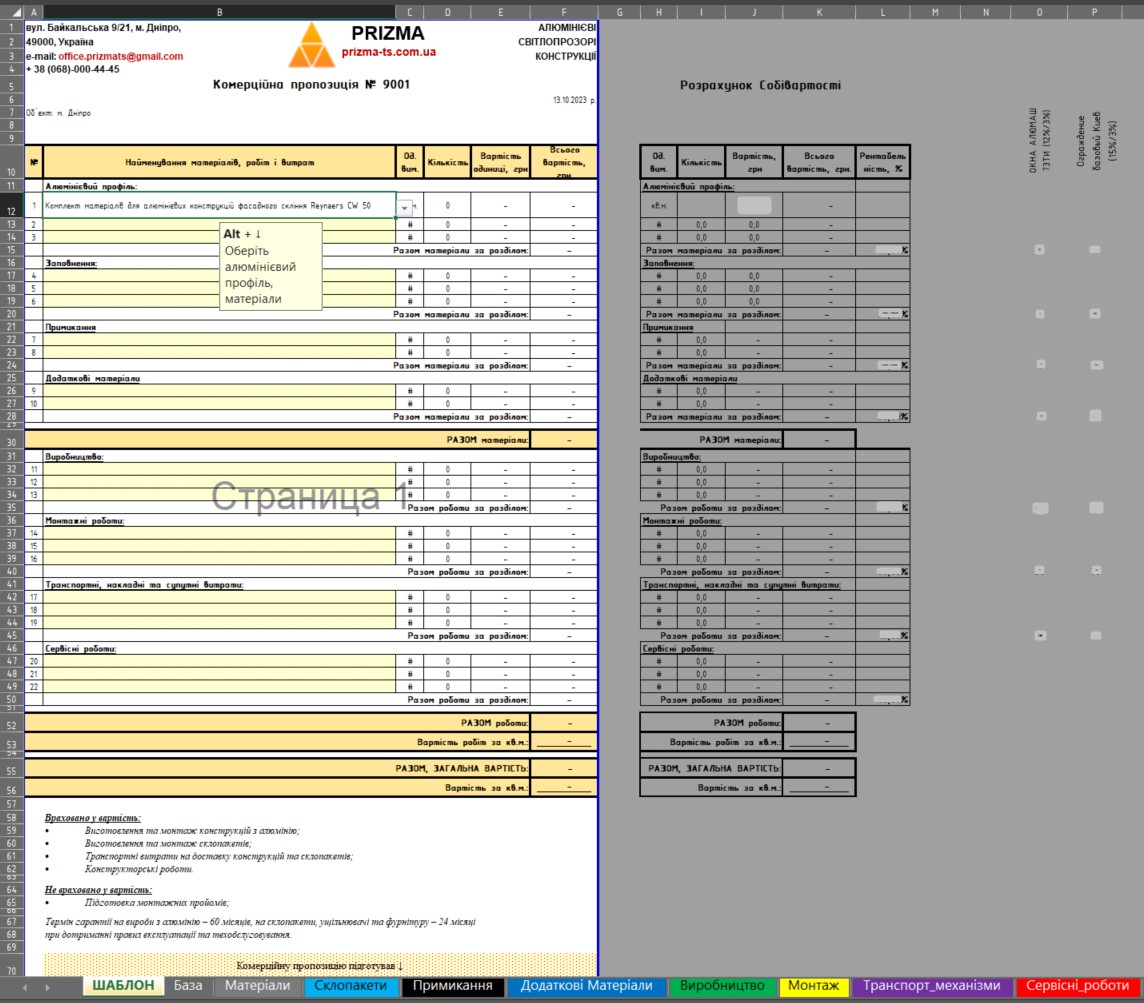
For the Prizma-TS company for the manufacture of aluminum lighting structures on order, a #excel document is created for the calculation of the value of works.The document helps the manager quickly calculate the cost of the work and quickly get a well-formed commercial offer, which can be saved in #pdf and sent to the customer.The document consists of the main list:
Template - for the performance of calculations and preparation of the KP.It has set out falling lists by categories that help from other lists with data to get the names of works and their cost.The help letters with reference data for calculation:
2 Bases
3 Materials
4 glasses
5 Prisoning
6 Additional Materials
7 Manufacturing
8 Installation
9 Transportation mechanisms
10 service work.Calculation managers can independently set up letters with reference data with the necessary names of works and their value to get them relevant templates.In the #excel document are widely used “smart tables”, “named range”, “falling lists”, “PR”, “SUMMESS”, “SUMMESS”, hyperlinks, column, “guides” and “conditional formatting”.
Template - for the performance of calculations and preparation of the KP.It has set out falling lists by categories that help from other lists with data to get the names of works and their cost.The help letters with reference data for calculation:
2 Bases
3 Materials
4 glasses
5 Prisoning
6 Additional Materials
7 Manufacturing
8 Installation
9 Transportation mechanisms
10 service work.Calculation managers can independently set up letters with reference data with the necessary names of works and their value to get them relevant templates.In the #excel document are widely used “smart tables”, “named range”, “falling lists”, “PR”, “SUMMESS”, “SUMMESS”, hyperlinks, column, “guides” and “conditional formatting”.

 Dnepr
Dnepr  Available for hire