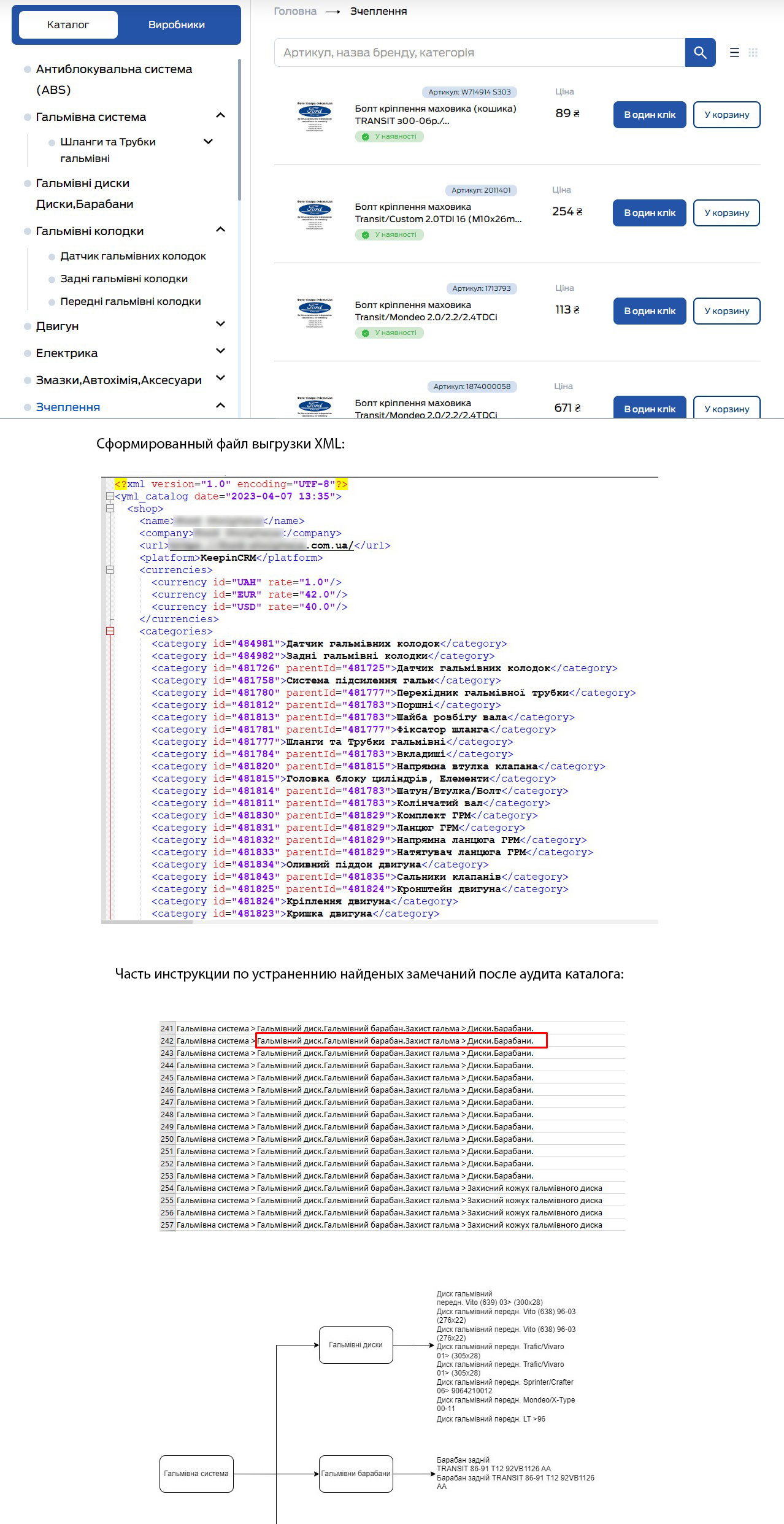
Set up the download of the product list of more than 33,000 positions from KeepinCRM to WordPress, the self-writing template of the site.The customer formed the base of goods in 1C by the method of parsing from the supplier's source, plus the manual entry of goods without established rules of placing goods in the base.The catalogue structure itself contained duplicates of categories/subcategories and errors in the fields of descriptions and characteristics of goods.The error-containing base was downloaded from 1C to KeepinCRM as it is, in order to further download to the online store website.Consultation and instructions on bringing the starting base to the rules for the formation of catalogs of nomenclature in 1C were conducted, taking into account the requirements for further imports of goods for trade units, market plays (Rozetka, HotLine, etc.)and SEO to promote the site in Google.The work by the customer is done partially, critical errors are not corrected.The work with the catalogue 1C is defined as the customer’s responsibility zone.Purpose: Download the list to the website of the online store from the customer management system KeepinCRM.The charging process was complicated by the poor quality of the starting base of the 1C loaded nomenclature in KeepinCRM.This resulted in errors and a complete stop of imports.The nomenclature was cleaned from critical errors.Importing a corrected base into CRM.WP modules are set to import the base.Set the YML file generation, XML tags and param name tags on the KeepinCRM side.Configuration of the load characteristics of the goods into the WP goods attributes.Mass installation of the cover for the photo of the products of the nomenclature, the photo of the goods by the customer is not ready.As a result, the base imported to the WP site is set to periodic synchronization with KeepinCRM.(Synchronized over 33000 items and 400 elements of the catalogue structure)