Streaming App
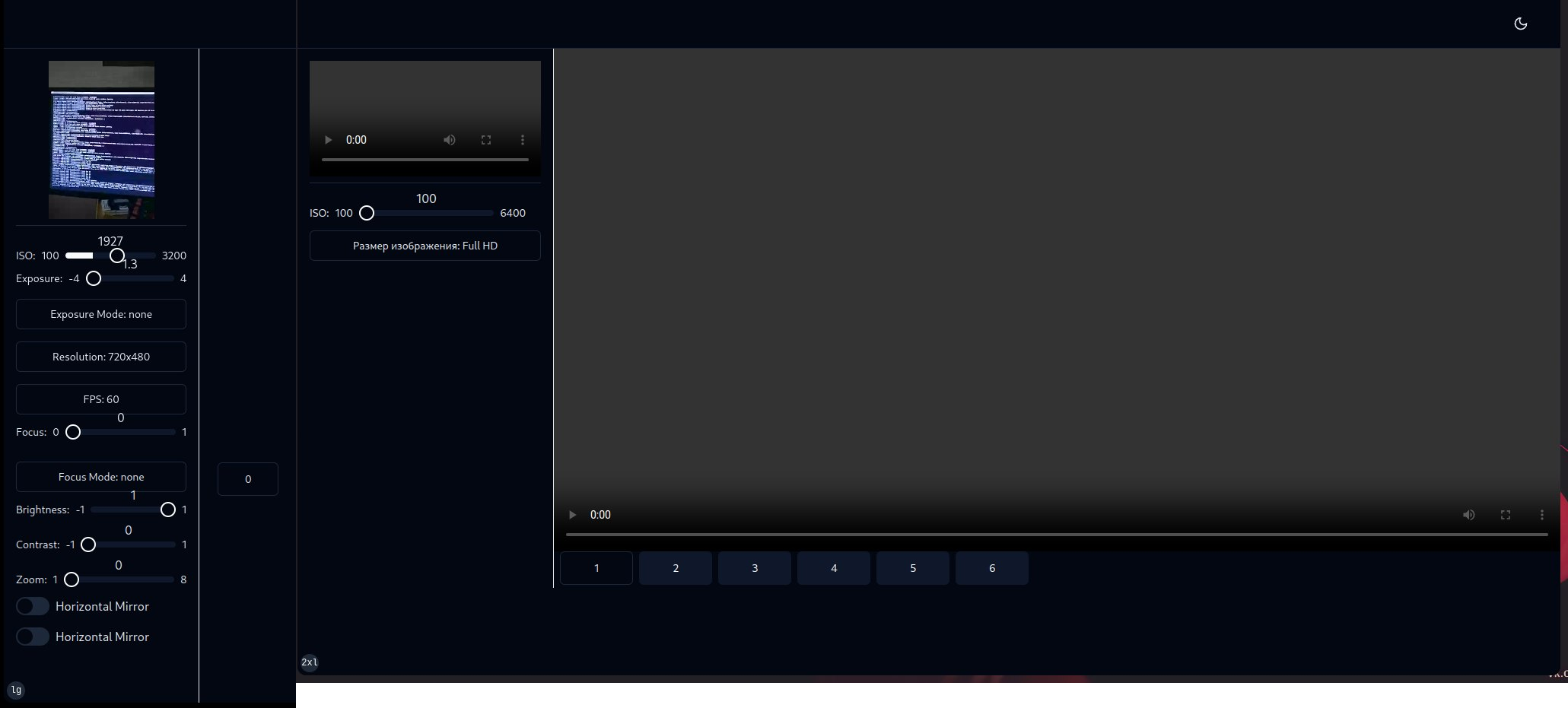
Web and Android application for streaming live video and audio from Android devices to a website in a local network, using sockets and WebRTC.
Website built with Next.js, TypeScript, React + shadcn-ui, and an http/socket server that automatically starts when the site is launched.
The site runs on a local computer.
Next, an application written in Flutter for the Android platform, the device must be connected to the network where the site is running.
When the Android device connects to the server, it sends the necessary camera settings. When the device is selected on the website, Android and the web exchange WebRTC offers, ice candidates, and viewing begins.
Additional functionality on the website:
1. Pressing 'y' - resets the recording and/or recorded video.
2. 'u' - start recording video for up to 30 seconds. Pressing again during recording stops the recording. After stopping, the main player switches from live streaming to recorded video.
3. 'i' - previous frame when viewing recorded video.
4. 'o' - next frame when viewing recorded video.
P.S. There are two different images attached, on the left are full settings, and on the right is the full size of the website. Connected using imagemagick.
Website built with Next.js, TypeScript, React + shadcn-ui, and an http/socket server that automatically starts when the site is launched.
The site runs on a local computer.
Next, an application written in Flutter for the Android platform, the device must be connected to the network where the site is running.
When the Android device connects to the server, it sends the necessary camera settings. When the device is selected on the website, Android and the web exchange WebRTC offers, ice candidates, and viewing begins.
Additional functionality on the website:
1. Pressing 'y' - resets the recording and/or recorded video.
2. 'u' - start recording video for up to 30 seconds. Pressing again during recording stops the recording. After stopping, the main player switches from live streaming to recorded video.
3. 'i' - previous frame when viewing recorded video.
4. 'o' - next frame when viewing recorded video.
P.S. There are two different images attached, on the left are full settings, and on the right is the full size of the website. Connected using imagemagick.

 Kyiv
Kyiv  Available for hire