Unblocking Google Merchant Center - Misrepresentation
Contextual Advertising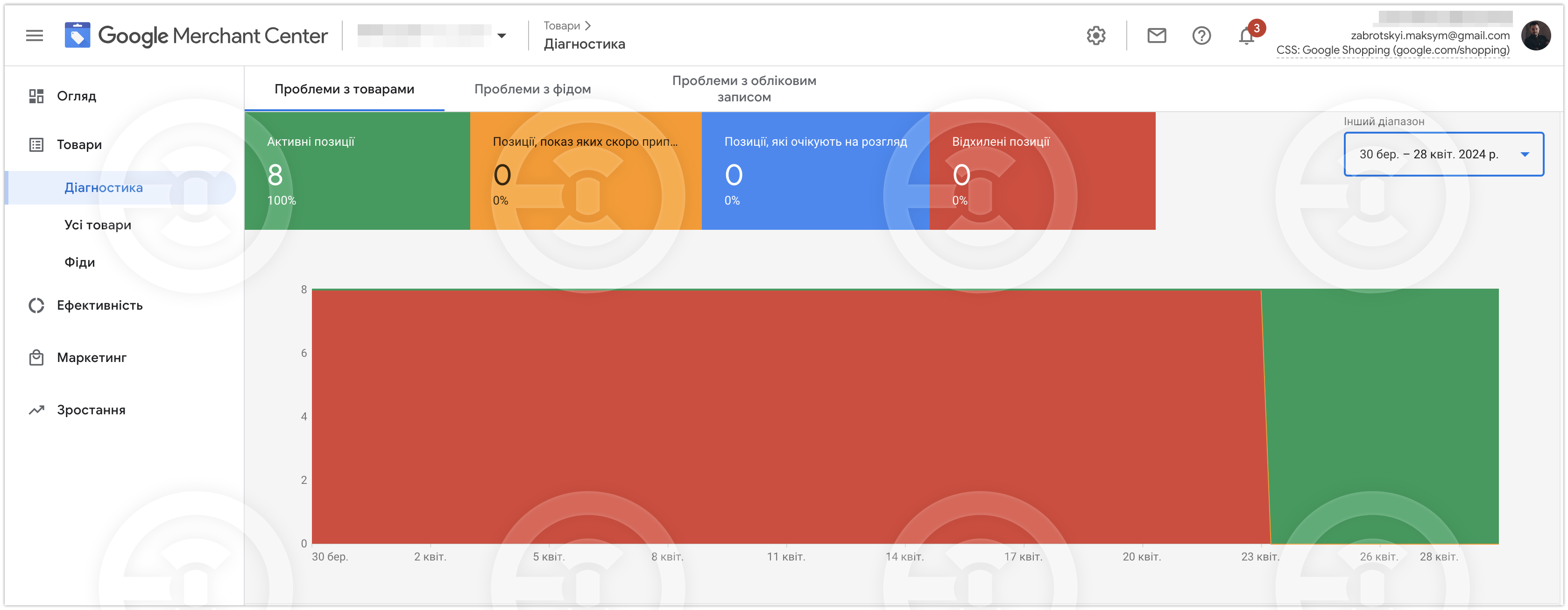
Task:
- Unlock Google Merchant Center.
The unlocking period was 7 days.
IMPORTANT - for this project, Google technical support responded surprisingly quickly. Each project can and will take different time to unlock.
Problems:
- Reason for blocking "Misrepresentation"
- It is impossible to file an appeal because Google Ads was blocked because the advertiser's information (payment profile) was not confirmed, and it could not be confirmed because the information in the payment profile was incorrect.
What was done:
- Communication with Google technical support.
- An application was submitted to change the payment profile by filling out a form with the correct data to be changed.
- Making changes to the Google Ads payment profile and confirming these changes.
- Submit an application for advertiser verification.
- The payment profile is confirmed.
- In parallel to the above steps, we analyzed the website to identify the reasons for the "Misrepresentation" block.
- Communication with Google technical support.
- Writing a technical specification of what needed to be corrected/refined on the website.
- The client made changes to the website.
- After the changes, we re-checked the site for compliance with the requirements.
- Communication with Google technical support and filing an appeal (unblocking).
- Google Merchant Center is unblocked.
#GoogleAds #GoogleMerchantCenter #MerchantCenter
- Unlock Google Merchant Center.
The unlocking period was 7 days.
IMPORTANT - for this project, Google technical support responded surprisingly quickly. Each project can and will take different time to unlock.
Problems:
- Reason for blocking "Misrepresentation"
- It is impossible to file an appeal because Google Ads was blocked because the advertiser's information (payment profile) was not confirmed, and it could not be confirmed because the information in the payment profile was incorrect.
What was done:
- Communication with Google technical support.
- An application was submitted to change the payment profile by filling out a form with the correct data to be changed.
- Making changes to the Google Ads payment profile and confirming these changes.
- Submit an application for advertiser verification.
- The payment profile is confirmed.
- In parallel to the above steps, we analyzed the website to identify the reasons for the "Misrepresentation" block.
- Communication with Google technical support.
- Writing a technical specification of what needed to be corrected/refined on the website.
- The client made changes to the website.
- After the changes, we re-checked the site for compliance with the requirements.
- Communication with Google technical support and filing an appeal (unblocking).
- Google Merchant Center is unblocked.
#GoogleAds #GoogleMerchantCenter #MerchantCenter