Automation of Meta Ads reporting in Google Sheets
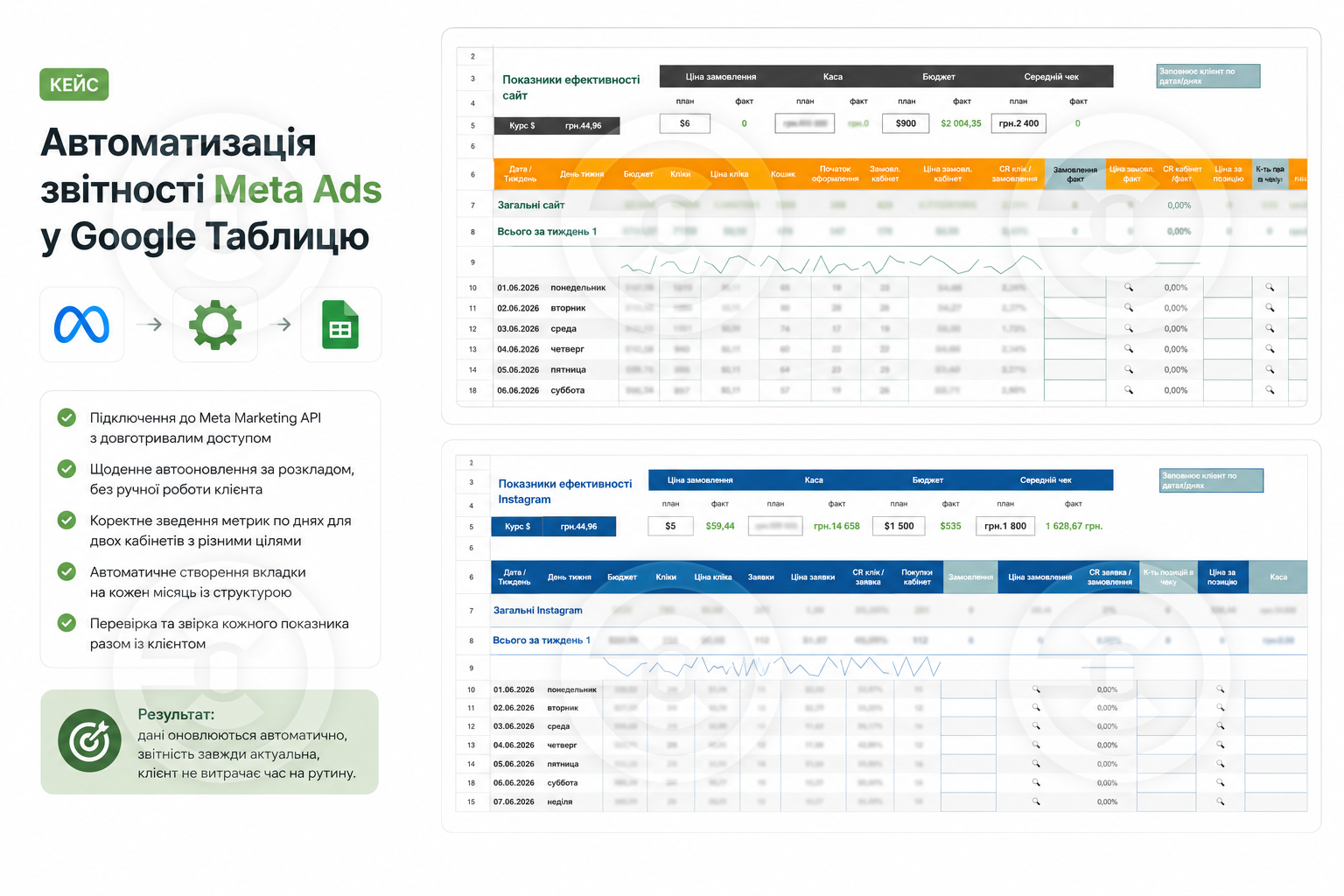
The client was running ads on Meta (Facebook/Instagram) for an online store and manually transferred metrics from two ad accounts to Google Sheets every day. This was time-consuming and prone to errors. I set up a fully automated data transfer. Now, the spreadsheet automatically pulls the required metrics from both accounts every morning, each on its respective date, and complex metrics (cost per click, cost per order, ROAS, weekly and monthly totals) are calculated automatically using formulas.
What has been implemented:
— Connection to the Meta Marketing API with long-term access to ensure nothing fails;
— Daily auto-updating on schedule, with no manual work required from the client;
— Accurate aggregation of metrics by day for two accounts with different goals (sales and messages);
— Automatic creation of a new tab for each month with a ready structure and dates;
— Verification and reconciliation of each metric with the client to ensure the spreadsheet contains the correct figures.
Result: the client is completely freed from manual data transfer, and the reporting updates itself and is always current.
Stack: Python, Meta Marketing API, Google Sheets API, Google Apps Script.
What has been implemented:
— Connection to the Meta Marketing API with long-term access to ensure nothing fails;
— Daily auto-updating on schedule, with no manual work required from the client;
— Accurate aggregation of metrics by day for two accounts with different goals (sales and messages);
— Automatic creation of a new tab for each month with a ready structure and dates;
— Verification and reconciliation of each metric with the client to ensure the spreadsheet contains the correct figures.
Result: the client is completely freed from manual data transfer, and the reporting updates itself and is always current.
Stack: Python, Meta Marketing API, Google Sheets API, Google Apps Script.

 Dnepr
Dnepr  Available for hire
 Offer work